
Builder Mode - Message Area
The message editor allows you to update message contents.
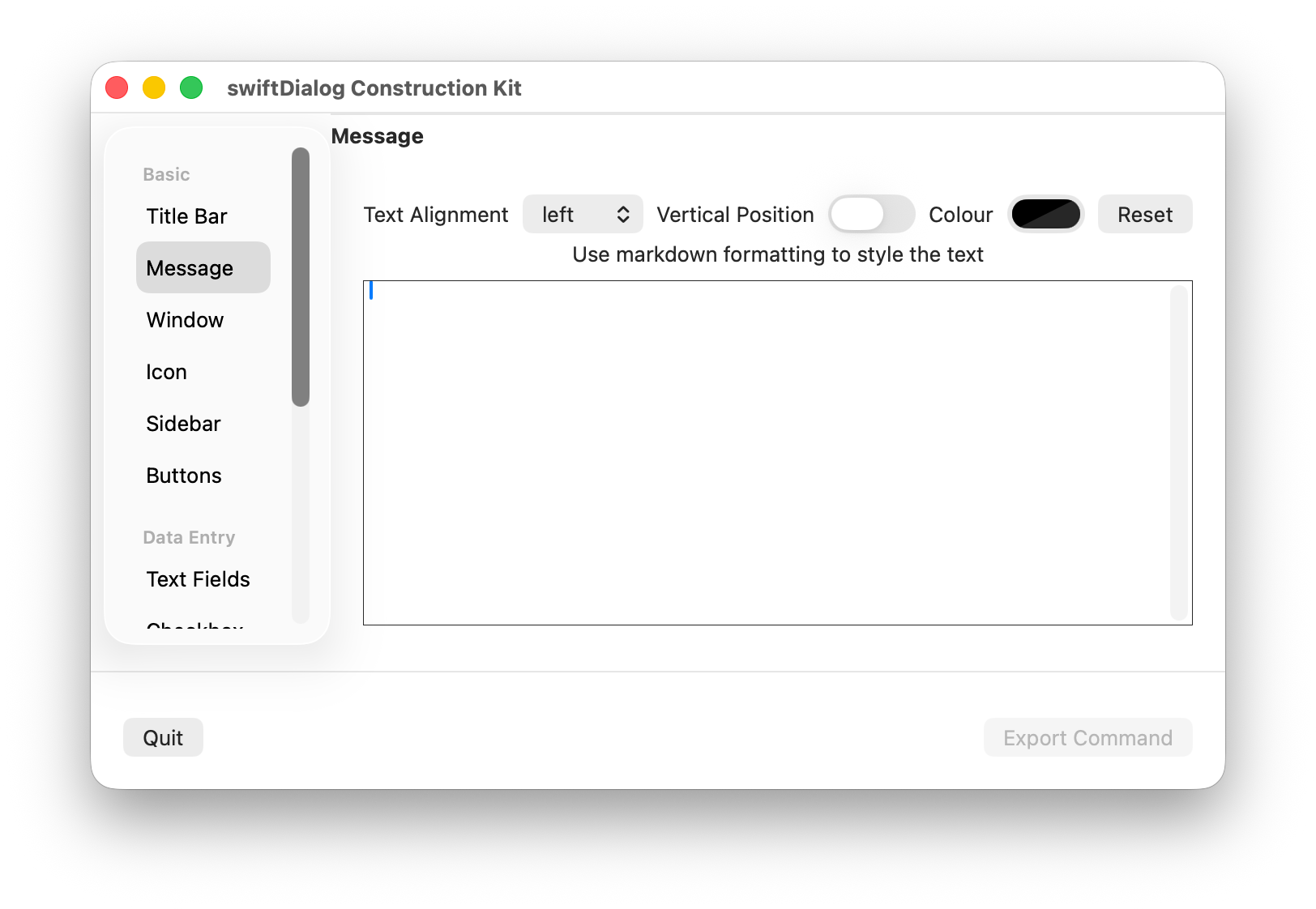
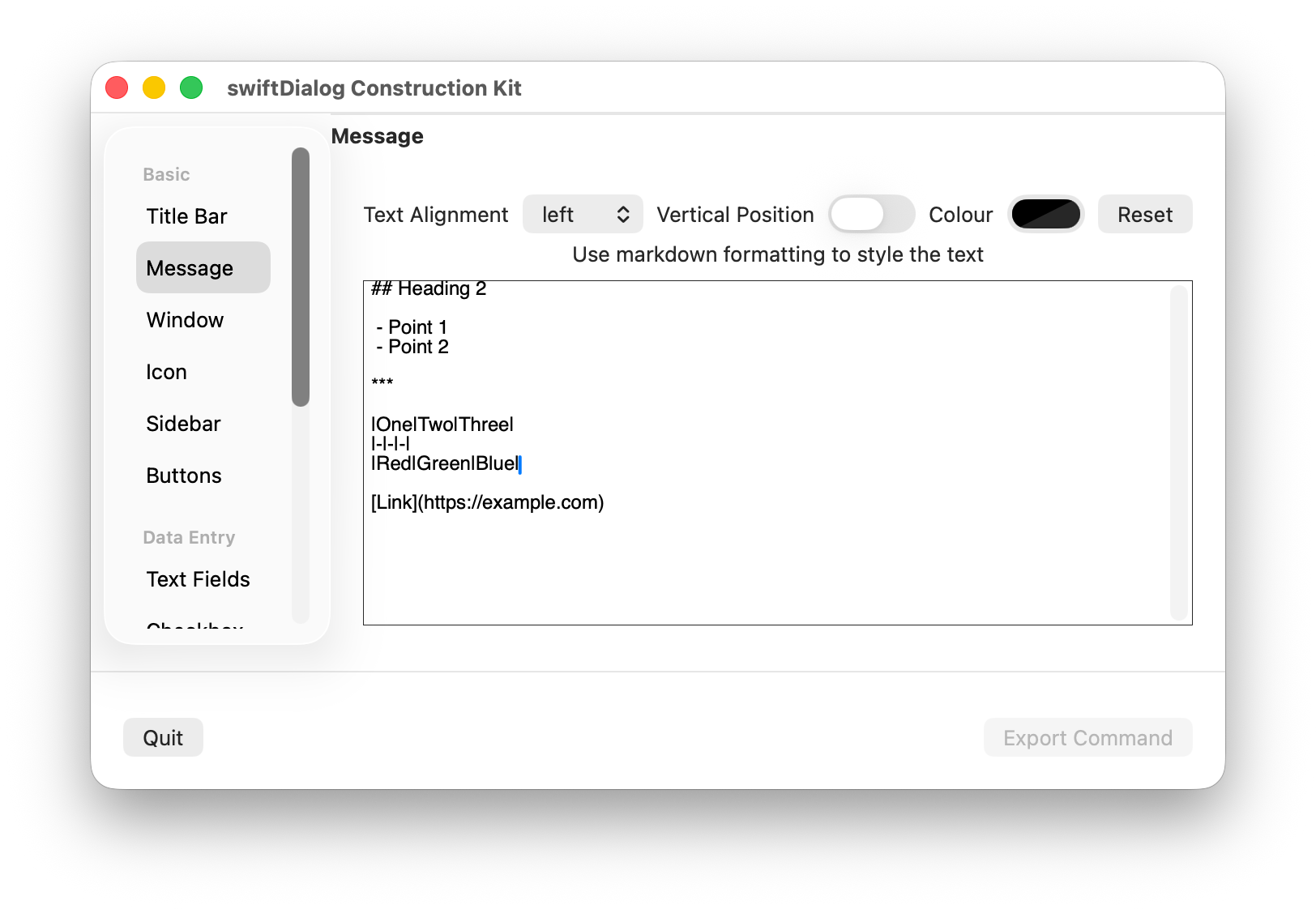
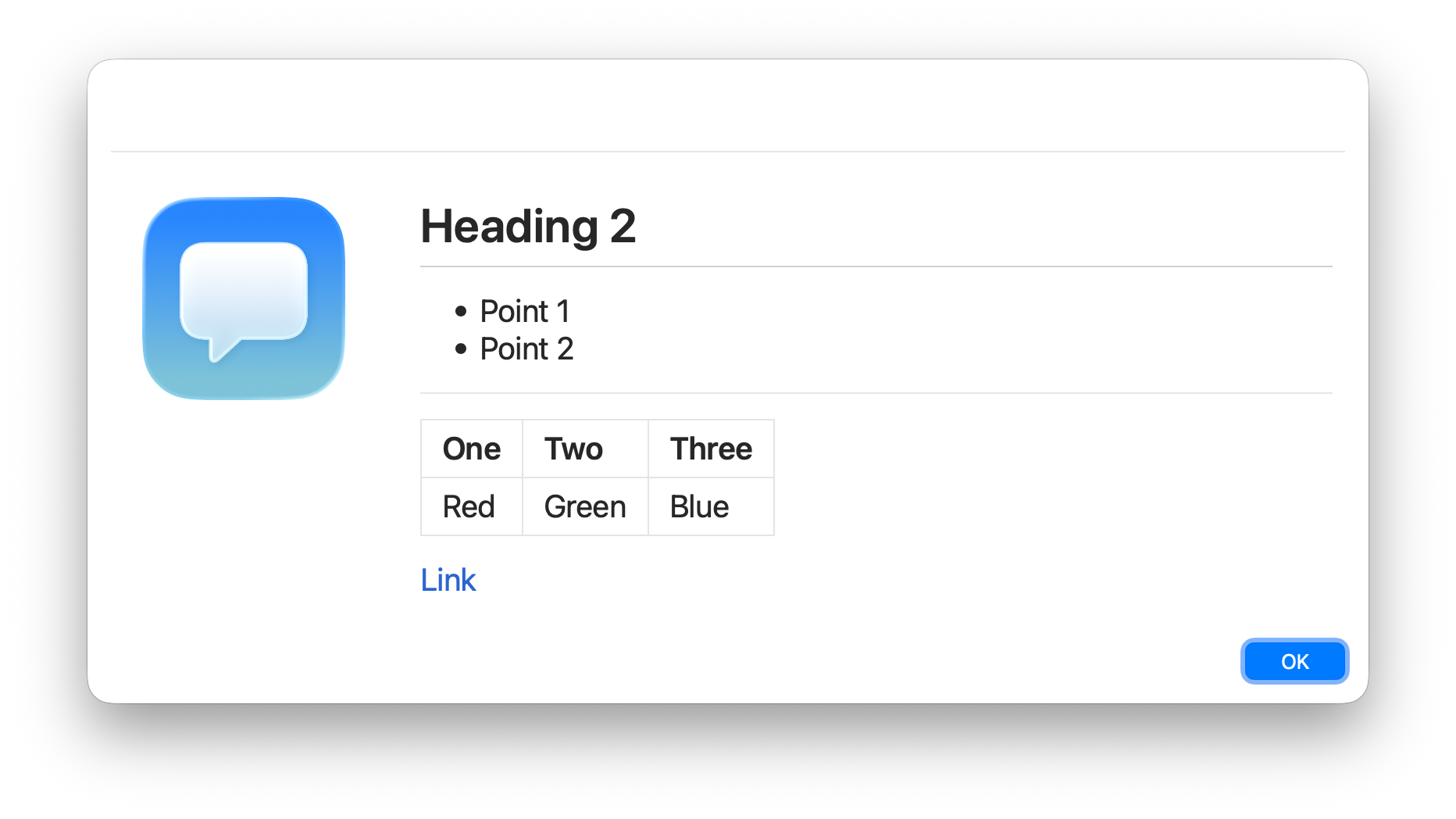
Use markdown to style the message text
Properties
Section titled “Properties”The following properties can be set. Click the “Reset” button to revert these settings to defaults
Text Alignment
Section titled “Text Alignment”Positions the text left, centre or right aligned
Vertical Position
Section titled “Vertical Position”When enabled the vertical position is set to centred instead of top aligned
Colour
Section titled “Colour”Sets the message colour
Markdown source
Section titled “Markdown source”As well as typing the message inline, you can load it from a Markdown file or URL using the From file… button or the URL / Load field. The builder loads the content into the live preview, while the exported JSON / command references the file or URL (so it is fetched at runtime). Use Edit inline to switch back to editing the text directly.
ℹ️ NOTE: Font adjustments are not available