
Builder Mode - Textfields
Configure --textfield entries
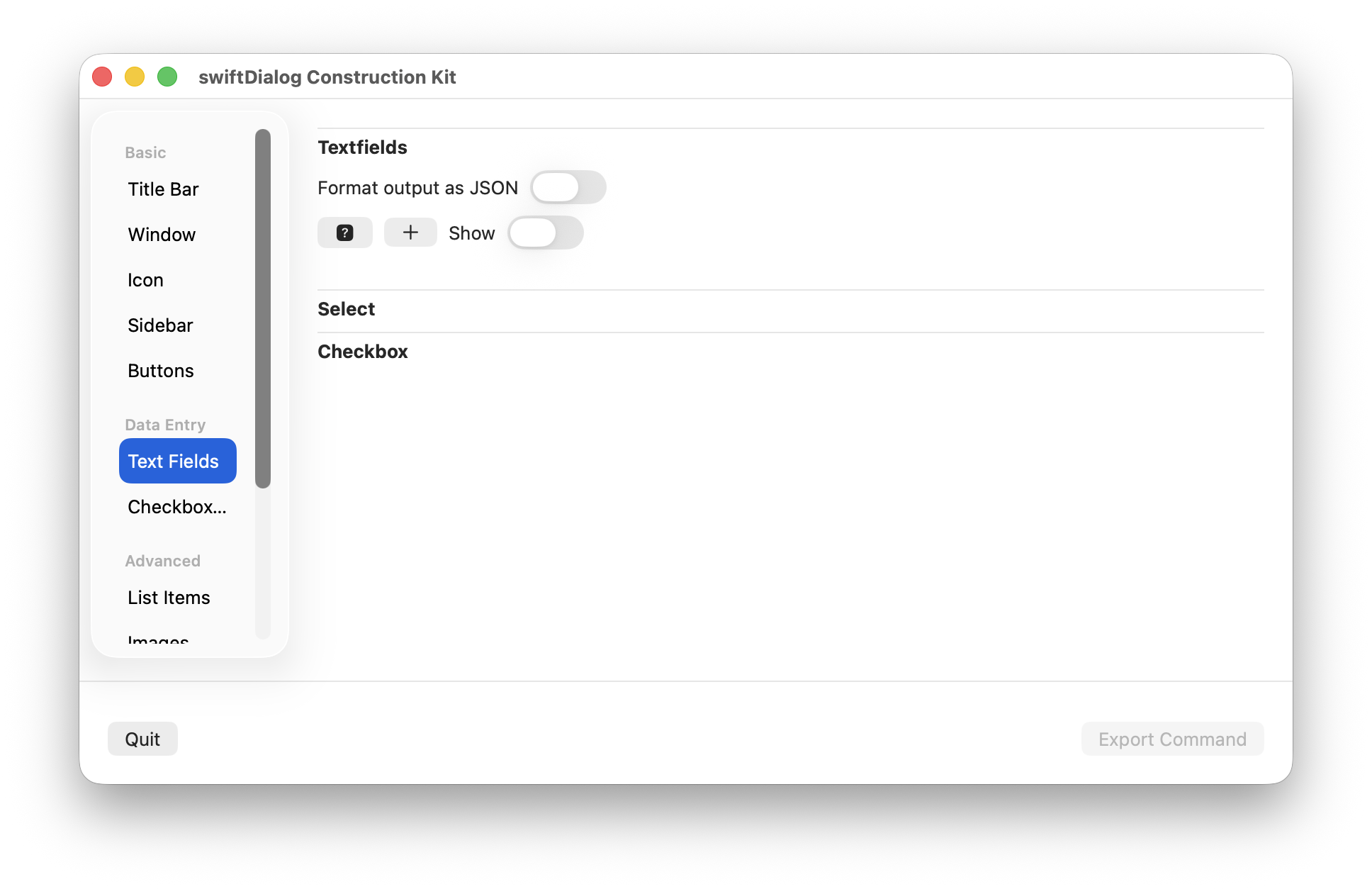
Click the [+] button to add an new entry
Click the trash icon to remove an entry
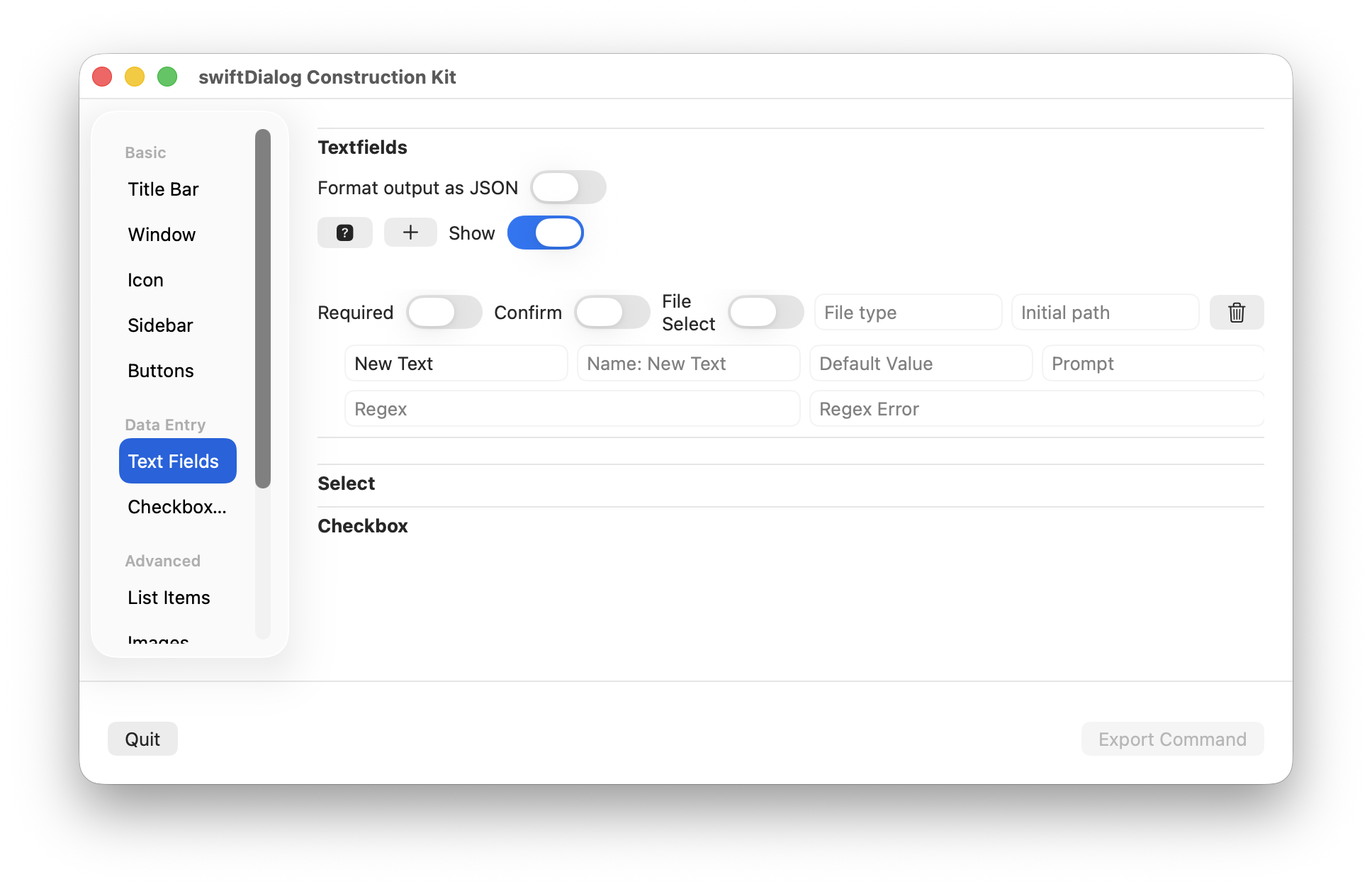
Properties
Section titled “Properties”The following properties can be set
Format output as JSON
Section titled “Format output as JSON”Sets the output format. This property is shared with checkboxes
Required
Section titled “Required”Sets the required flag.
Confirm
Section titled “Confirm”Sets the confirm flag. Enabling this will show a duplicate textfield for the configured entry
File Select
Section titled “File Select”Enables the fileselect button
File Type
Section titled “File Type”Used with fileselect. Enter in the desired filetype (or types as a csv) e.g. "png,jpg"
Initial Path
Section titled “Initial Path”Used with fileselect. Sets the initial path to use with displaying the file select dialog
Sets the textfield title/label
Sets the textfield name. If used, this value will represent this entry in the output instead of the label
Default Value
Section titled “Default Value”Set the default value to display in the textfield. This content will appear in output
Prompt
Section titled “Prompt”Sets a prompt to display in the textfield. This content will not appear in output
Set a regex that the content of the textfield must match
Regex Error
Section titled “Regex Error”Set the error to display when textfield content does not match the provided regex