
Builder Mode - List Items
Add one or more --listitem entries
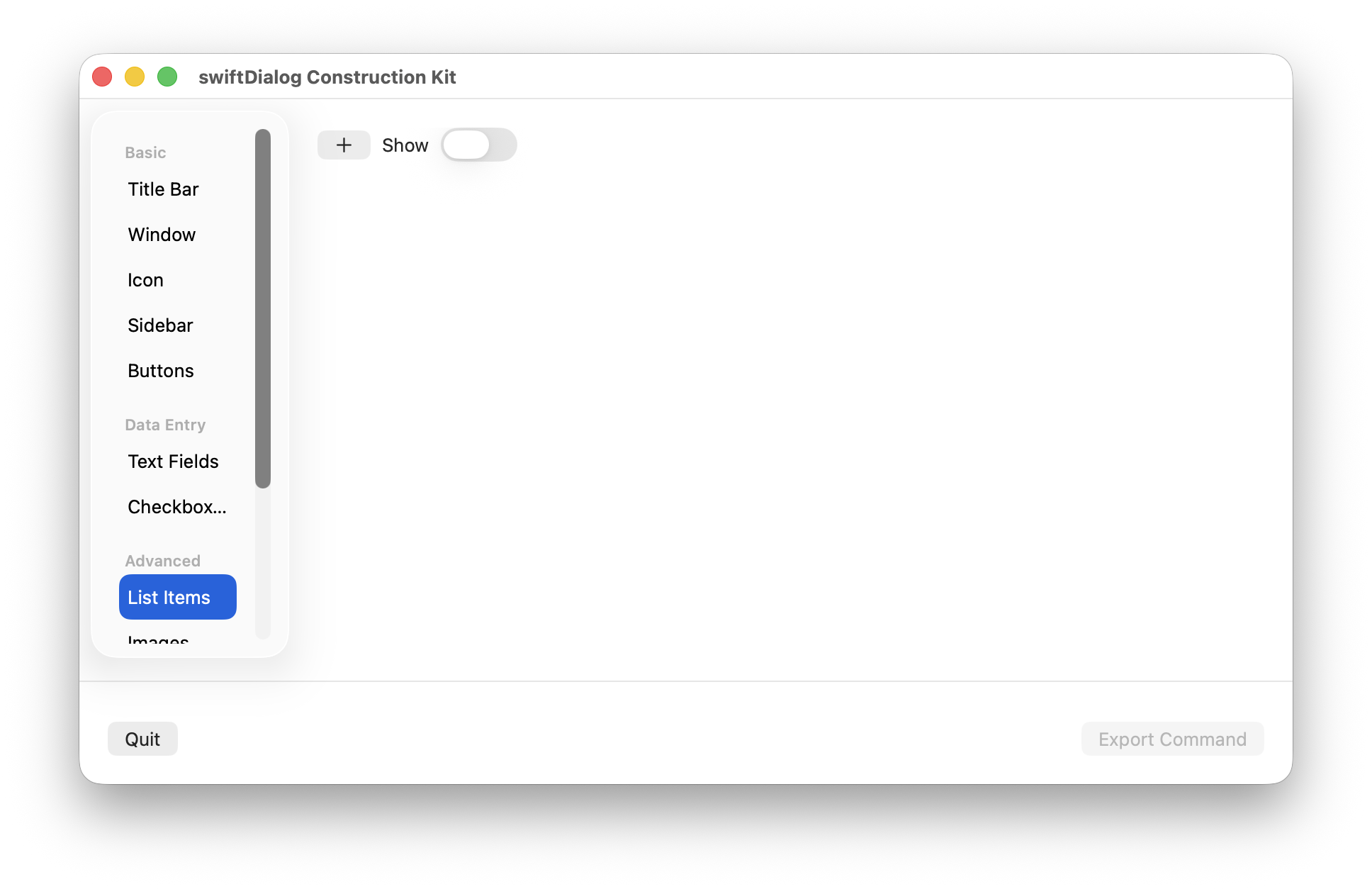
Click the [+] icon to add a new listitem entry
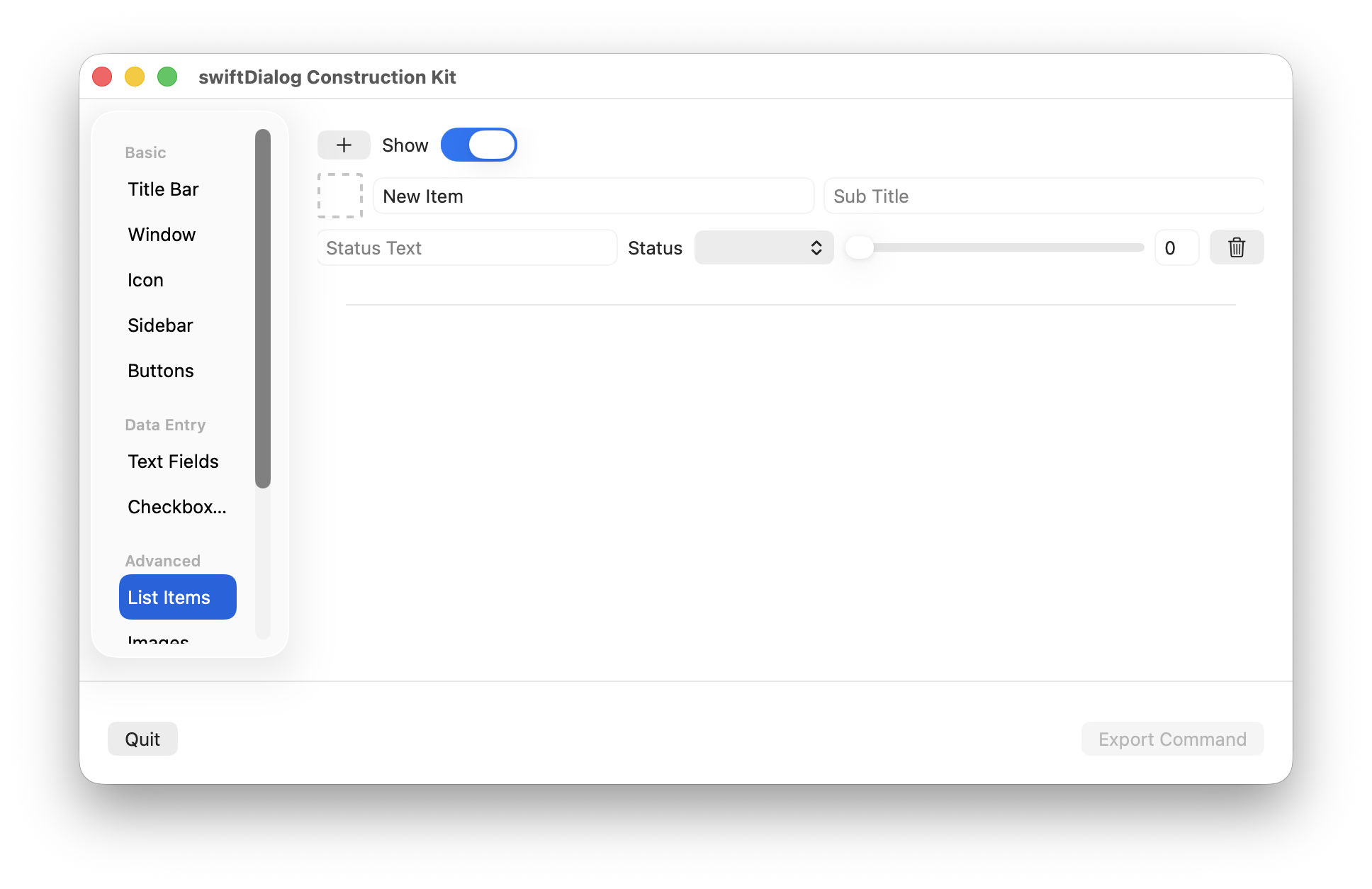
Click the trash icon to remove a specified listitem entry
Properties
Section titled “Properties”Shows or hides the listitem area
Set an icon for the listitem
Drop an image resource or application bundle onto the icon preview area to set the icon value
Click the icon preview area to display the SF symbol popup. From here you can set the sf symbol value and colour

Sets the listitem title value
Subtitle
Section titled “Subtitle”Sets the listitem subtitle value
Status Text
Section titled “Status Text”Sets the listitem status text
Status Icon
Section titled “Status Icon”Sets the listitem to one of the defined status icon values
If using the progress status icon, use the slider to preview or set initial progress state