
Builder Mode - Images
Set one or more images to display
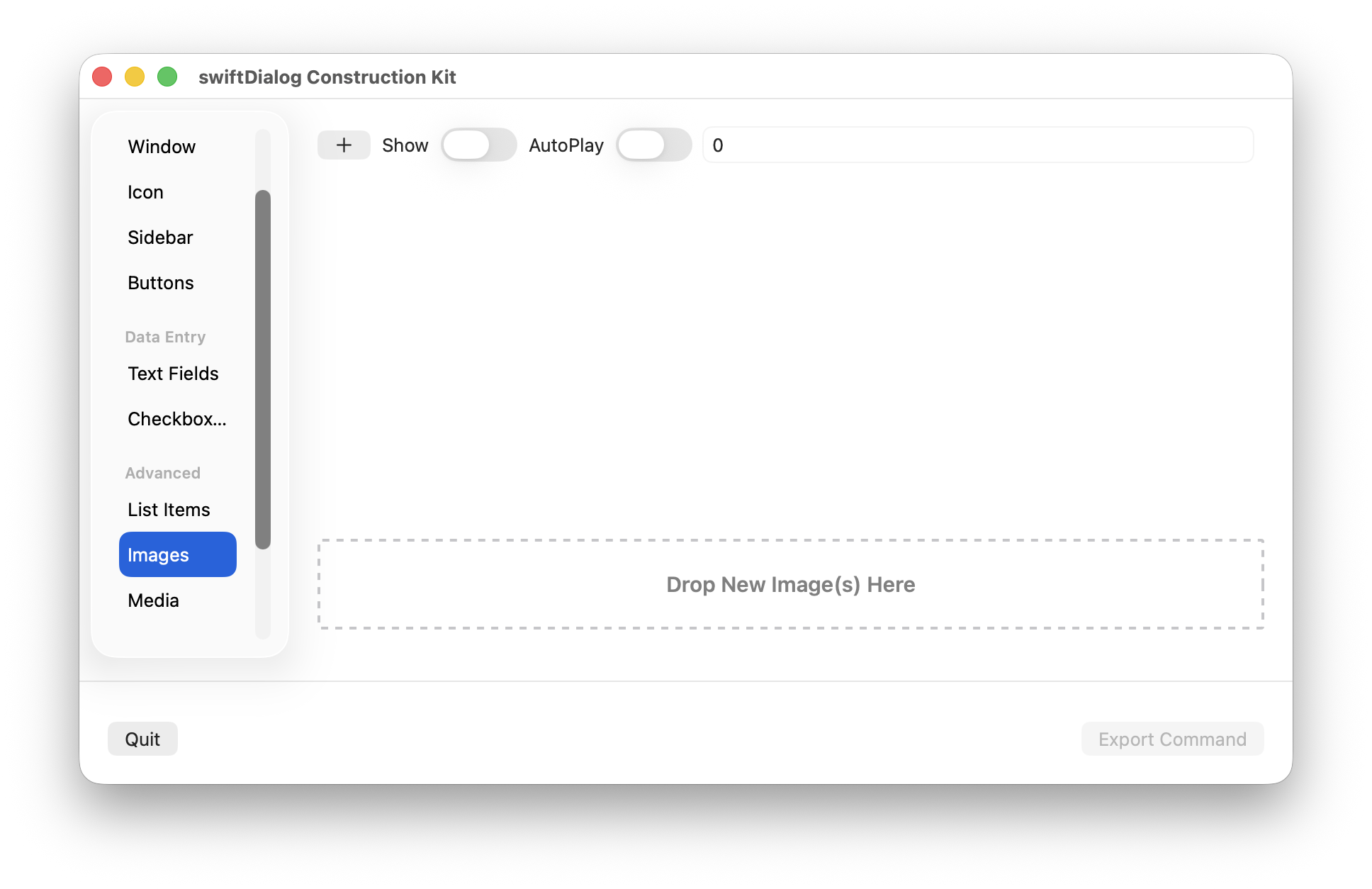
Click the [+] button to create a new image entry. You can do this one or more times
Click the “Select” button to open a file select dialog and select an image to display.
Alternatly:
Drop an image from the Finder onto the image preview to add or replace the image resource for that entry
OR
Select one or more images in the Finder and drop onto the image list area in the Builder window. A new entry will be added for each image
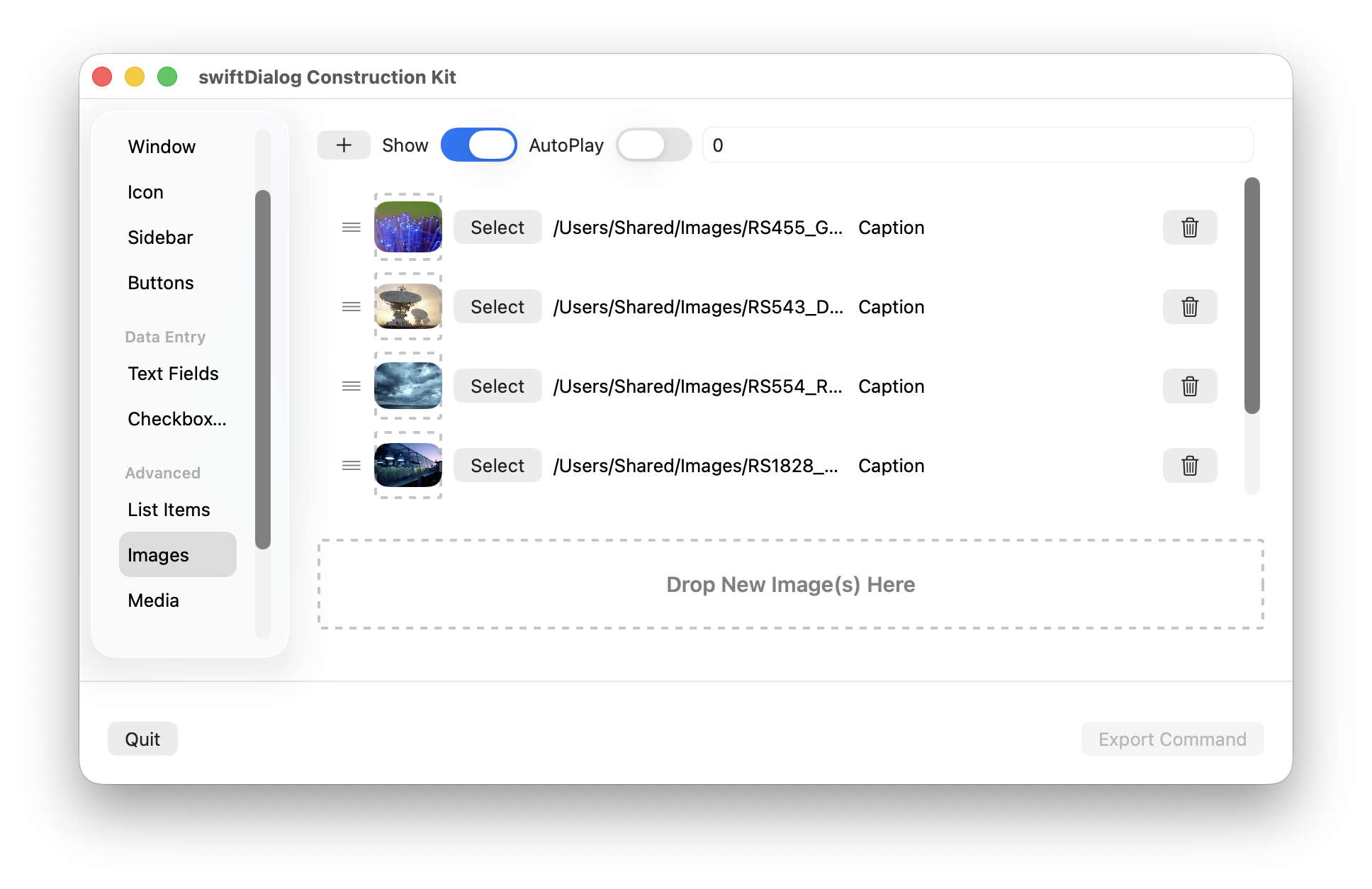
Click the ≡ drag handle next to the image preview to re-arrange items in the list
Click the trash icon to delete an image entry
Properties
Section titled “Properties”Caption
Section titled “Caption”Sets a caption to display underneath the specified image
Shows or hides the image display
Autoplay
Section titled “Autoplay”Enables image autoplay if multiple images are being displayed
Set the autoplay value as number of seconds to display each image. A countdown timer will appear as a visual guide to when the next image in the sequence will appear.