
Builder Mode - Icons
Lets you adjust --icon settings
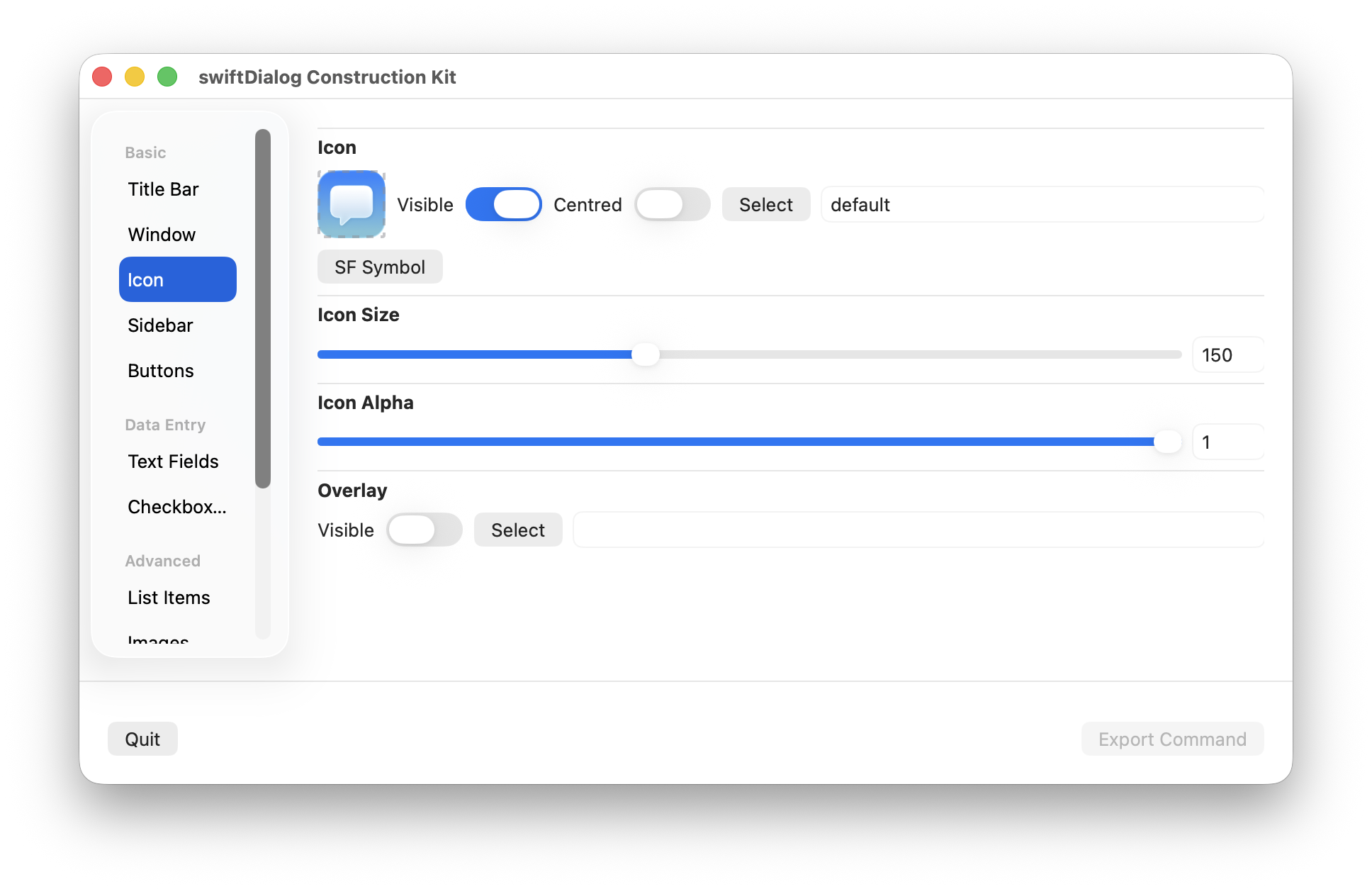
Properties
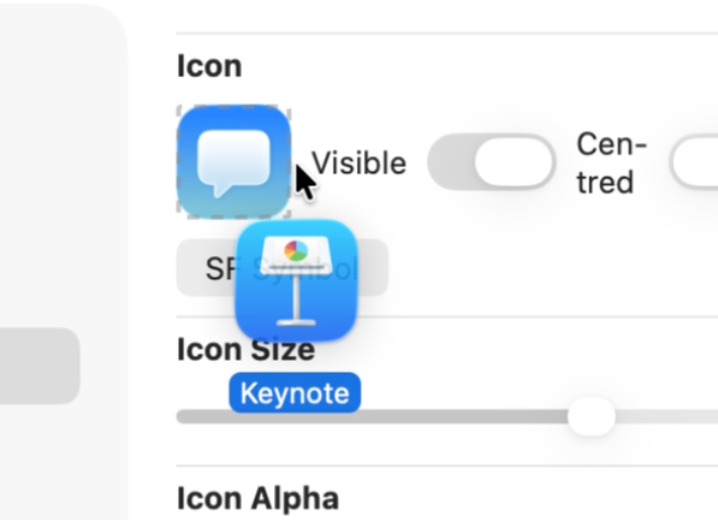
Section titled “Properties”Drag and drop an image or application onto the icon representation in the builder window to set the icon value
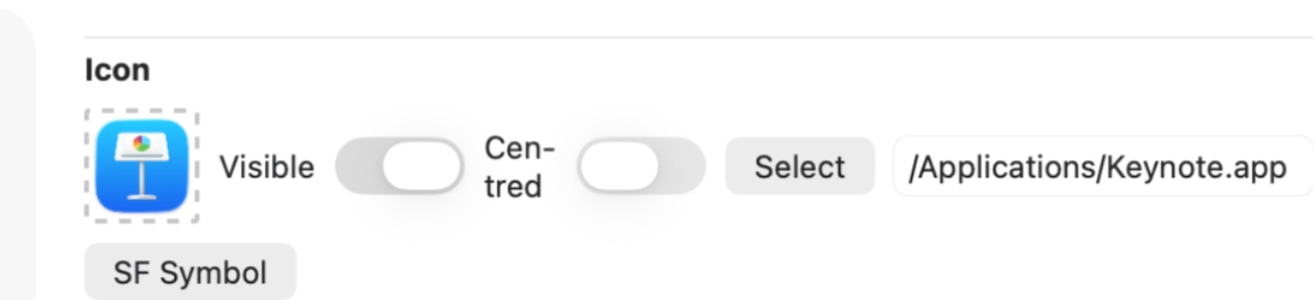
You can also use the “Select” button to open up a file select dialog or type in the name of an SF symbol in the format sf=name into the icon value text box (where name is the name of a valid SF symbol)
Visible
Section titled “Visible”Sets whether the icon is visible or not
Centered
Section titled “Centered”Re-positions the icon from the left hand sidebar area to a centered position above the --message area
Icon Size
Section titled “Icon Size”Set the size of the icon in points
ℹ️ NOTE: If the size set will not fit in the available space, the icon will be limited to the maximum available size that will fit
Icon Alpha
Section titled “Icon Alpha”Set icon transparancy value. 0 = transparant, 1 = opaque
Overlay
Section titled “Overlay”Set the icon overlay
ℹ️ NOTE: Overlay is not available when using an icon in centered mode