
Customising the Title
Setting Title Text
Section titled “Setting Title Text”use the -t or --title command line option to specify what you would like in the Dialog title area.
Example:
--title "An Important Message"
-t "An Important Message"
The title area is a fixed width bold area at the top of the Dialog window. Text longer than the size of the window can display will be truncated

Customising Title Font Properties
Section titled “Customising Title Font Properties”Use the --titlefont command line option to set title font properties.
Font properties are expressed in the form of property=value and multiple properties are separated by a comma
Properties available for modification are:
colour=<hex_value>(alternatlycolor=<hex_value>)- specified in hex format, e.g. #00A4C7
size=<float>- accepts any float value, e.g. 30, 65, 72.3
weight=<text>- accepts any of thin, light, regular, medium, heavy or bold (default)
name=<fontname>- accepts a font name or family. list of available names can be determined with
--listfontsor by consulting the macOS Font Book application.
- accepts a font name or family. list of available names can be determined with
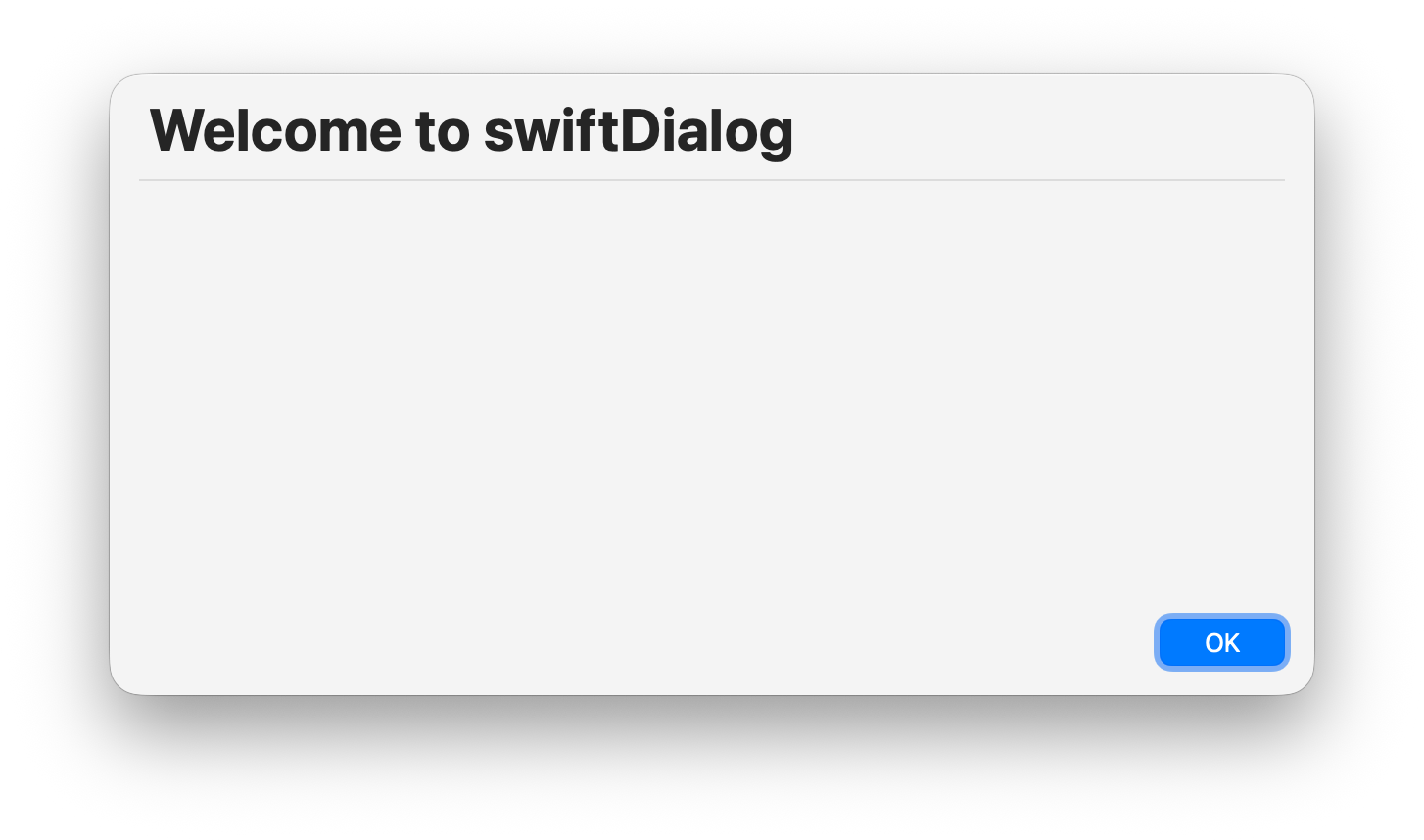
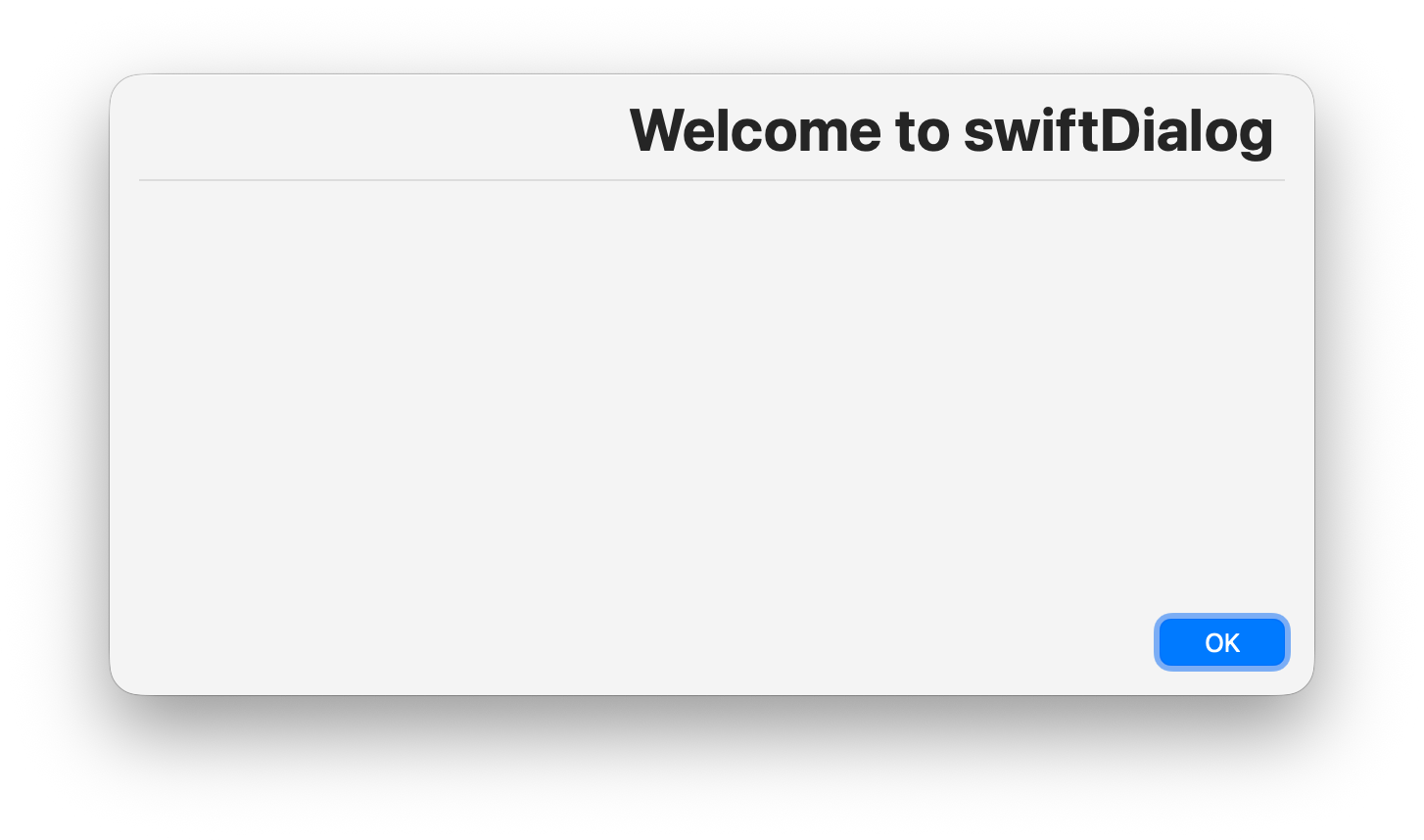
alignment=[left|right]- Positions the title text with left or right alignment
offset=<float>- Shifts the title text horizontally by the specified number of points. Positive values move right, negative values move left. When using
alignment=right, the offset direction is automatically flipped so a positive value still moves the text toward the right edge.
- Shifts the title text horizontally by the specified number of points. Positive values move right, negative values move left. When using
CAUTION : Be careful when mixing font names and weights. When specifying a font or font family by name, certain weights may not be available. If this occurs, the font weight specified will be ignored.
You can utilise one or more and the order in which they are specified is not important. For instance if you only wished to modify the size, you could use the following:
--titlefont "size=60"
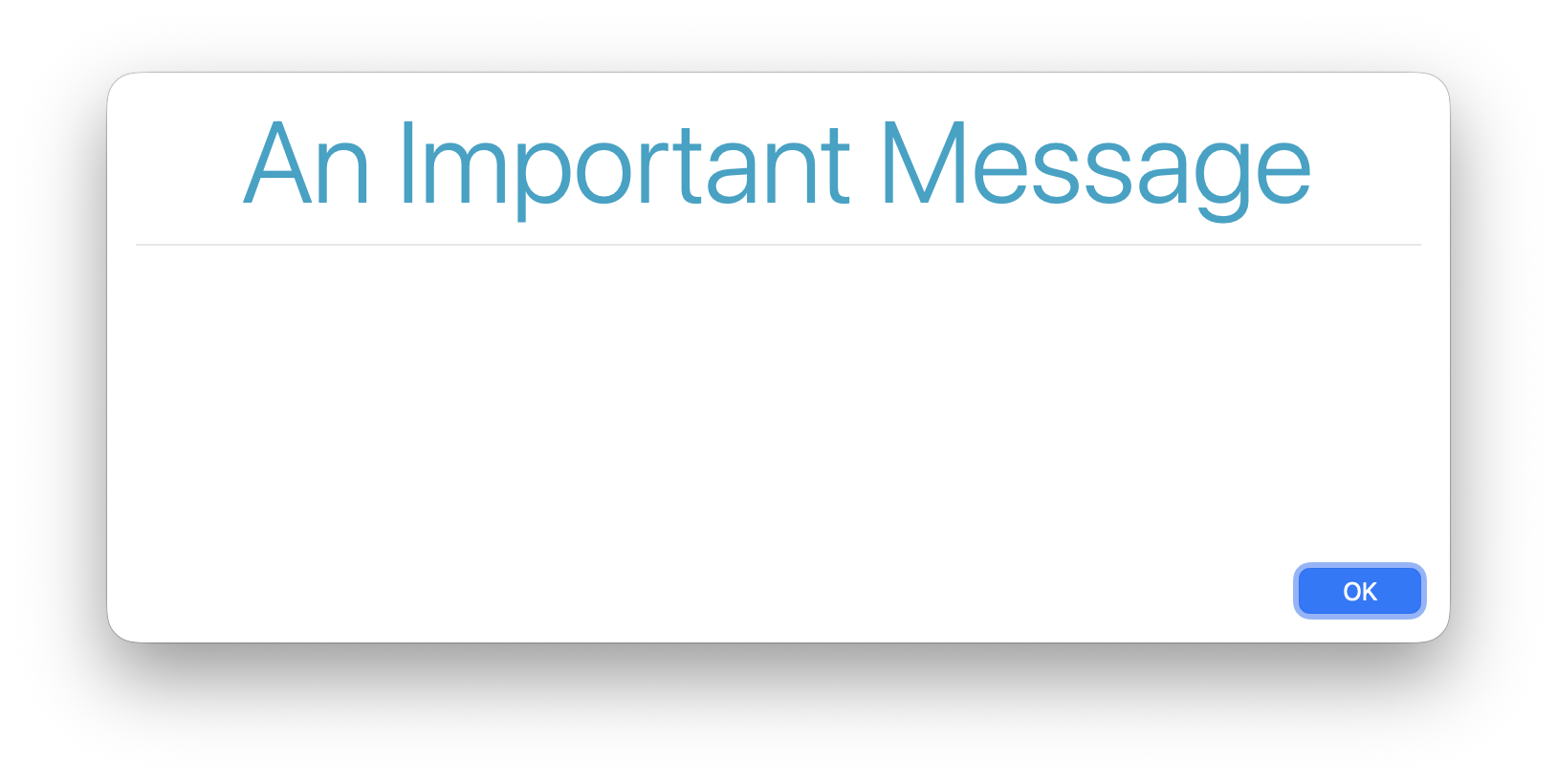
Example 1: --titlefont "colour=#00A4C7,weight=light,size=60"
This example sets the colour to the value #00A4C7, weight to light and the font size to 60 and will appear like so:
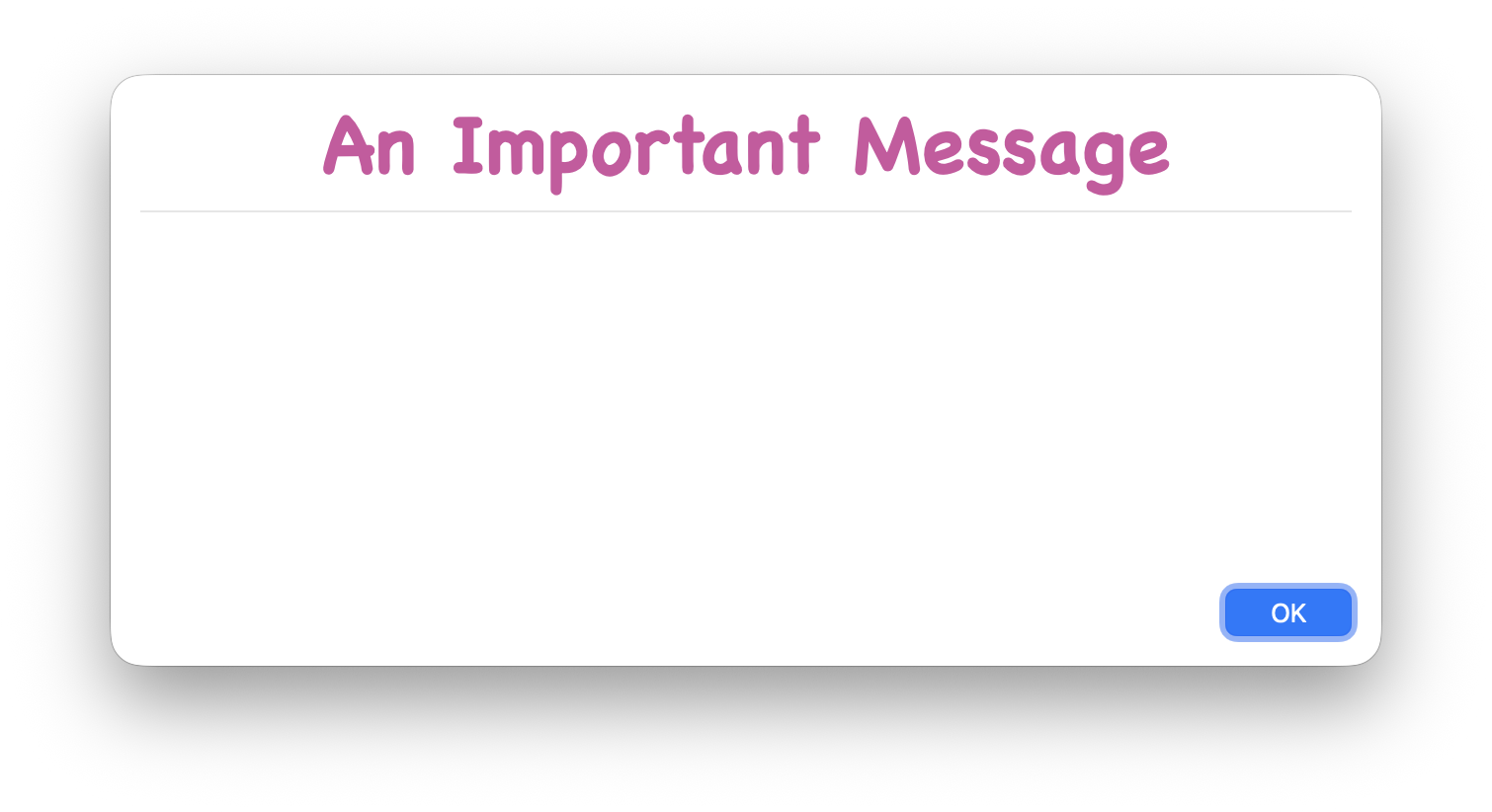
Example 2: --titlefont "name=Chalkboard-Bold,colour=#D054A0,size=40"
This example sets the colour to the value #D054A0 , size to 40 and use the font name “Chalkboard-Bold”:
Example - Alignment Left/Right:
--titlefont alignment=left - --titlefont alignment=right
Using colour in the title
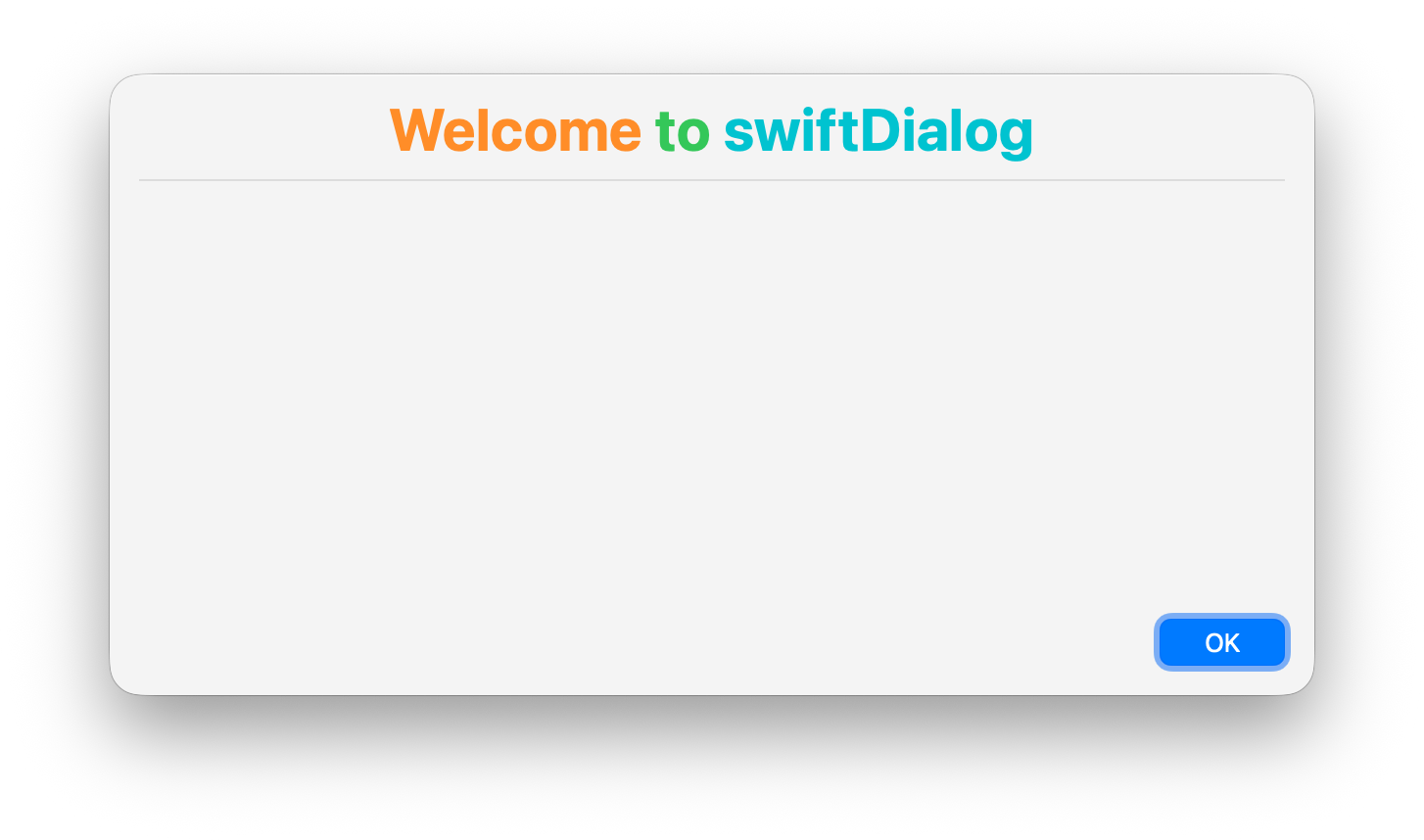
Section titled “Using colour in the title”Using colour=<value> will set the base colour of the text however you can set the colour of individual words or letters using :colour[text] format
Example:
--title ":orange[Welcome] :green[to] :teal[swiftDialog]"
Subtitle
Section titled “Subtitle”Use --subtitle <text> to display a secondary line of text below the title, rendered in the same font at a smaller size.
dialog --title "System Update" --subtitle "Please save your work before continuing"The subtitle inherits the same font name, weight, and colour as the title but is rendered at titlefont size − 10pt.
Hiding the title area
Section titled “Hiding the title area”Use the keyword none to hide the title area. This will remove the title bar and the horizontal separator line
e.g. --title none