
Banner Images
Use the -n or --bannerimage command line option to specify an image to use at the top of the dialog.
Use:
--bannerimage <file | url | colour= >
Using a banner image will disable the display of the icon image area. This is the equivalent of using the --hideicon option
Basic Use
Section titled “Basic Use”Dialog accepts images in png and jpg formats and displays the specified image in the banner area. The banner image is at most 150pt high and spans the width of the dialog window. In conjunction with the -s or --small option the banner image is limited to 100pt high
Any size image can be used. The image display area will adjust to the size of the banner image you wish to use, up to a maximum height of 150 points.
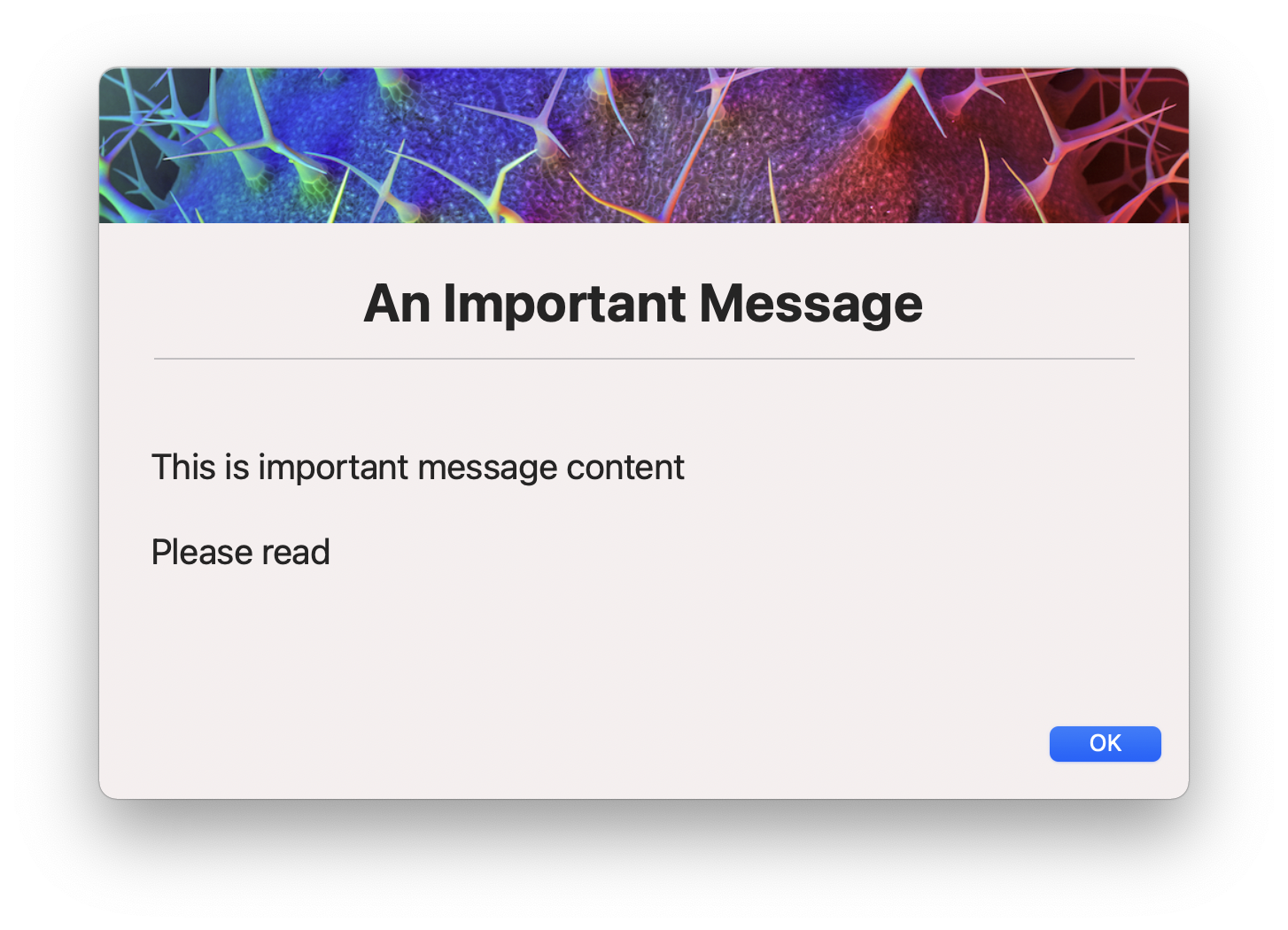
A specific height can be specified using the --bannerheight option. This will override the default height.
Additionally, a solid colour can be specified using the colour= prefix. The colour can be specified as a hex value or a named colour.
Example:
--bannerimage colour=red or --bannerimage colour=#ff0000
By default a subtle white-to-colour-to-black gradient overlay is applied to solid colours. Append ,nogradient to disable it:
--bannerimage colour=red,nogradient
Gradient banners
Section titled “Gradient banners”A linear gradient can be specified using the gradient= prefix. Supply two or more comma-separated colours, and optionally set the direction with :angle=<degrees>:
--bannerimage "gradient=red,blue"--bannerimage "gradient=red,orange,yellow:angle=135"Angle conventions: 0 = bottom-to-top, 90 = left-to-right (default), 180 = top-to-bottom, 270 = right-to-left.
If only one colour is supplied to gradient=, the result is identical to colour= (white-to-colour-to-black overlay).
Title text within the banner area
Section titled “Title text within the banner area”--bannertitle
Using this command you can opt to display title text within the banner using the . Doing so forces the text colour to white by default, however this can be changed with title font customization modifiers.
You can use it as an option to --title or you can pass in a string to display as the title. If both --title and --bannertitle have string arguments, --bannertitle will take precedence.
All --titlefont modifiers apply to banner title text, including shadow, colour, size, weight, alignment, and offset.
--titlefont shadow=1 places a drop shadow underneath the text.
If --subtitle is also set, the subtitle is rendered below the title inside the banner area, inheriting the same font at a smaller size.
